Python if...else 语句的用法

时间:2026-02-15 11:17:55

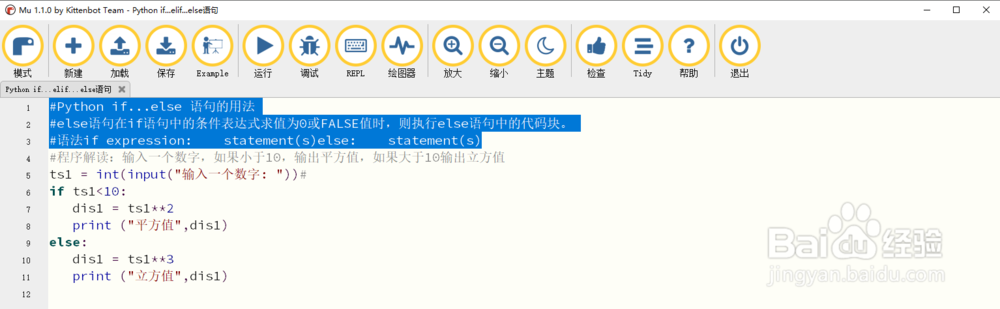
1、1Python if...else 语句的用法
Python if...else 语句的用法

2、2#程序解读:输入一个数字,如果小于10,输出平方值,如果大于10输出立方值
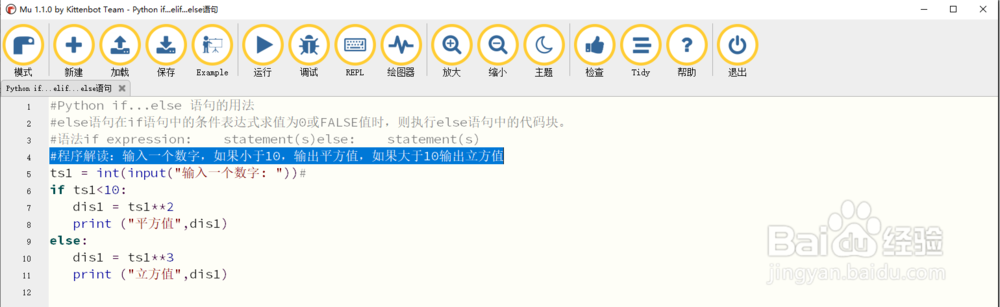
Python if...else 语句的用法

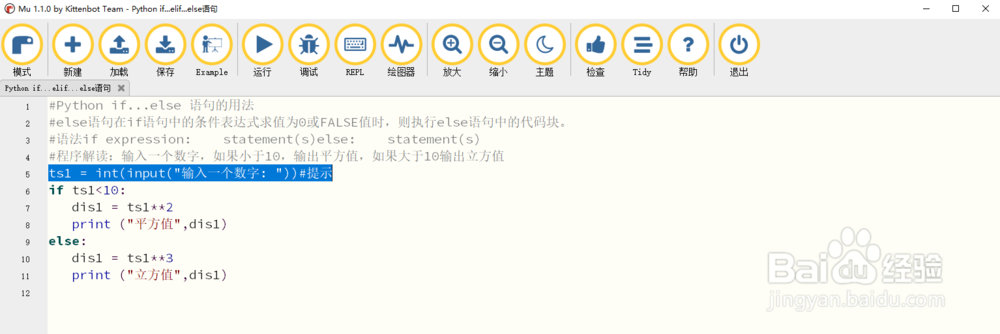
3、3ts1 = int(input("输入一个数字: "))#提示

Python if...else 语句的用法

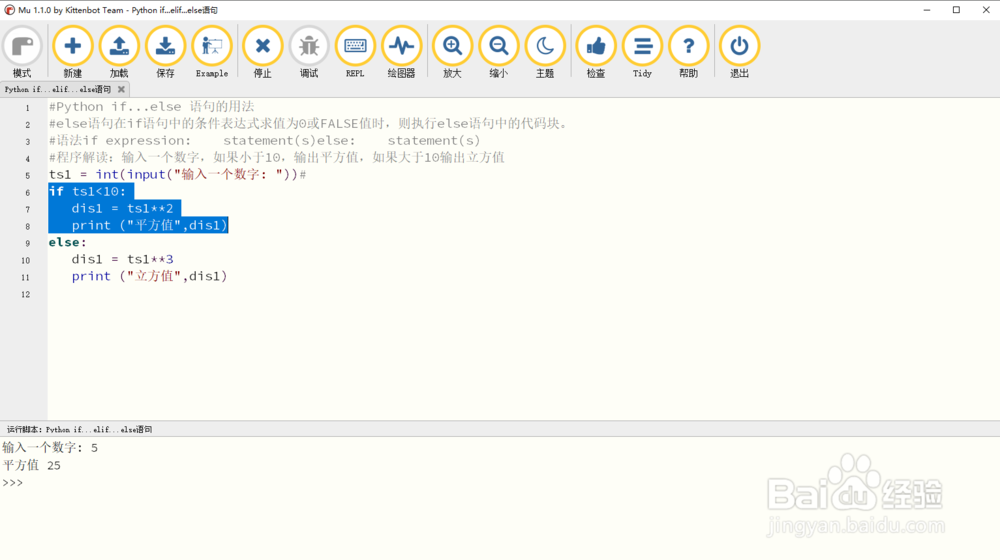
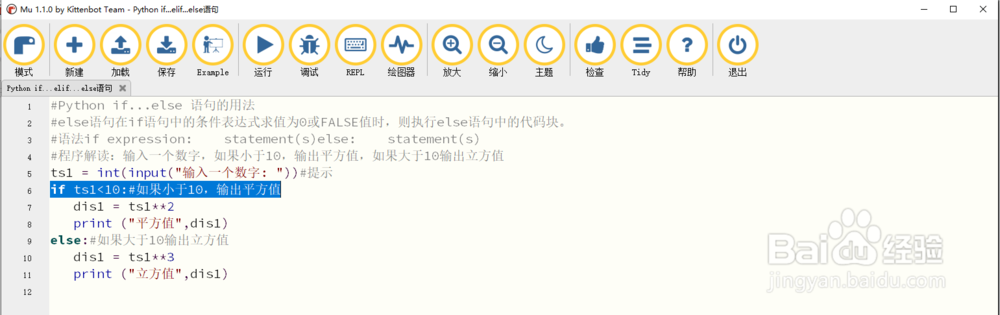
4、4如果小于10,输出平方值

if ts1<10:#如果小于10,输出平方值

   dis1 = ts1**2

   print ("平方值",dis1)
Python if...else 语句的用法

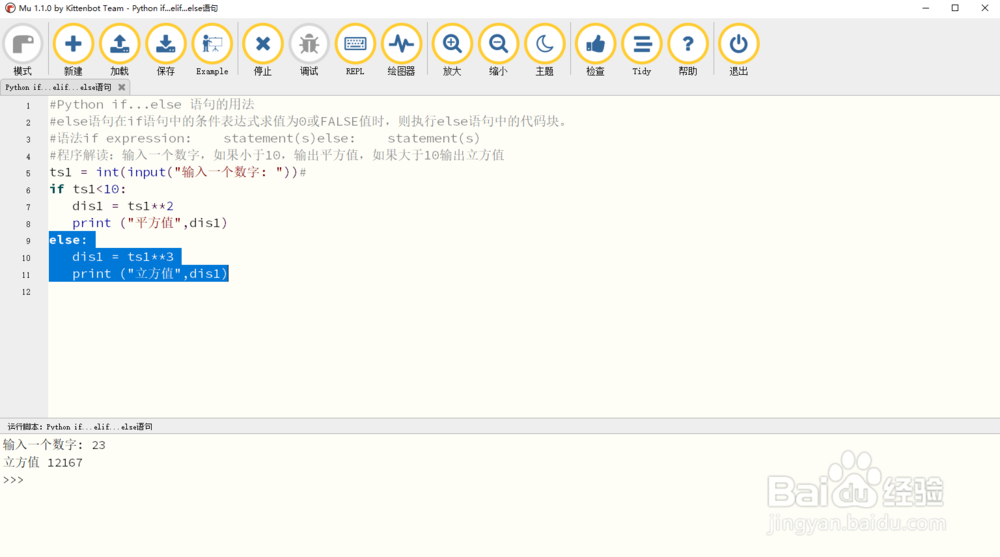
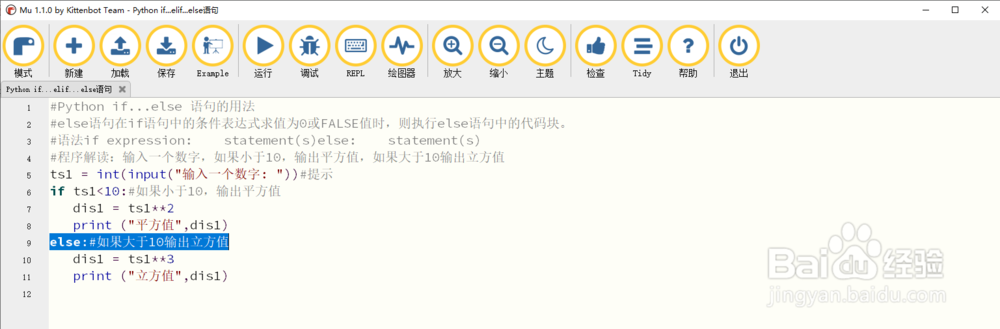
5、else:#如果大于10输出立方值

   dis1 = ts1**3

   print ("立方值",dis1)
Python if...else 语句的用法

6、输入一个数字,如果小于10,输出平方值,如果大于10输出立方值

Python if...else 语句的用法

Python if...else 语句的用法

© 2026 智德知识库
信息来自网络 所有数据仅供参考
有疑问请联系站长 site.kefu@gmail.com