1、点击电脑桌面左下角的微软图标
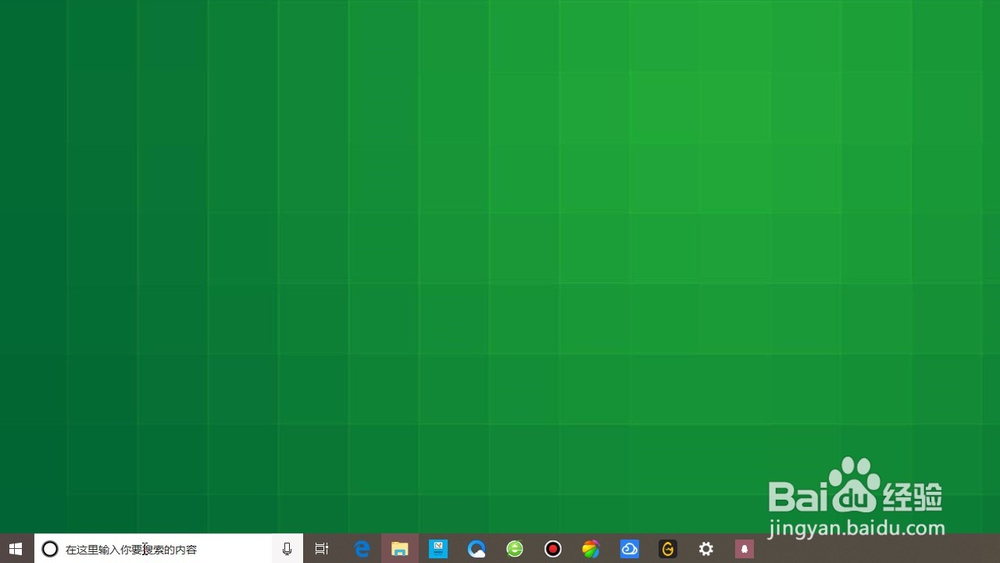
2、打开菜单之后,点击左侧列表的设置图标

3、在系统设置页面,点击下方的更新和安全
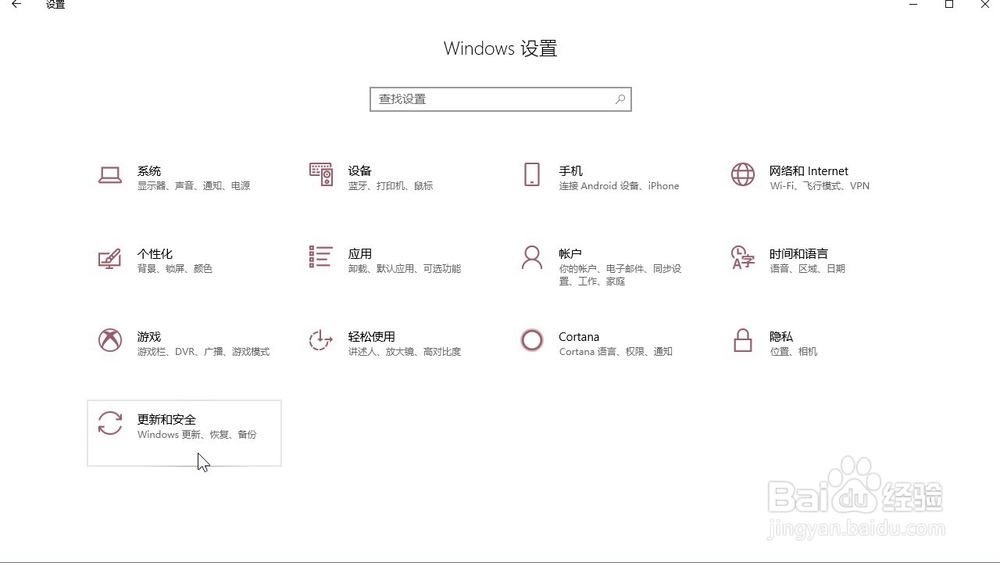
4、在页面左侧的列表中找到开发者选项,点击进入
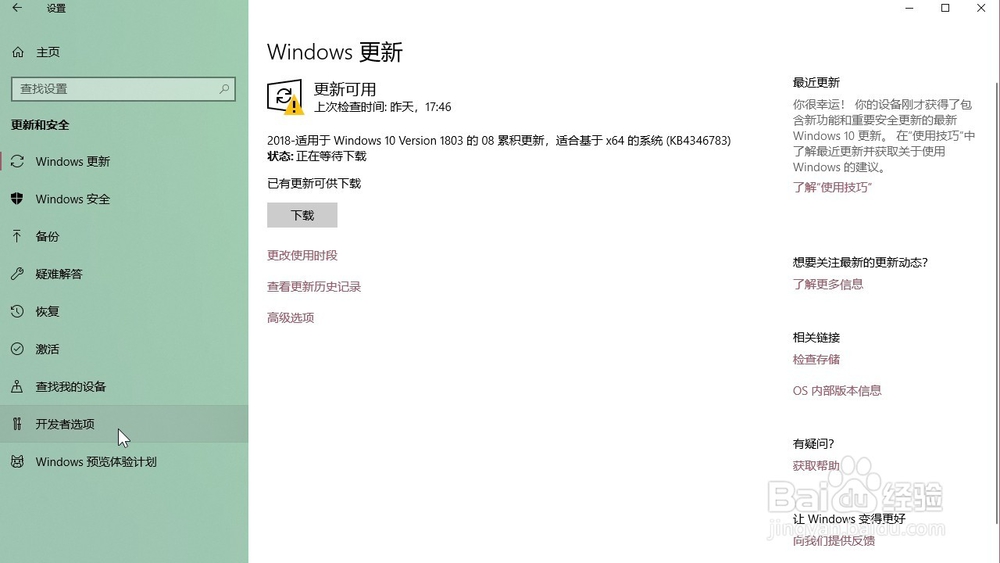
5、勾选页面上方的开发人员模式

6、勾选更改执行策略,以允许本地PowerShell脚本在未签名的情况下运行。远程脚本需要签名即可

1、点击电脑桌面左下角的微软图标
2、打开菜单之后,点击左侧列表的设置图标
3、在系统设置页面,点击下方的更新和安全
4、在页面左侧的列表中找到开发者选项,点击进入
5、勾选页面上方的开发人员模式
6、勾选更改执行策略,以允许本地PowerShell脚本在未签名的情况下运行。远程脚本需要签名即可