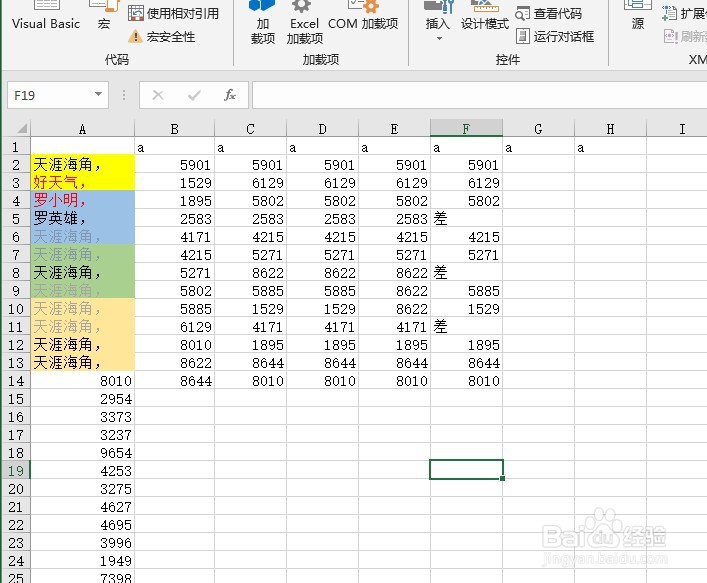
1、首先在开发工具中打开VBA编辑器
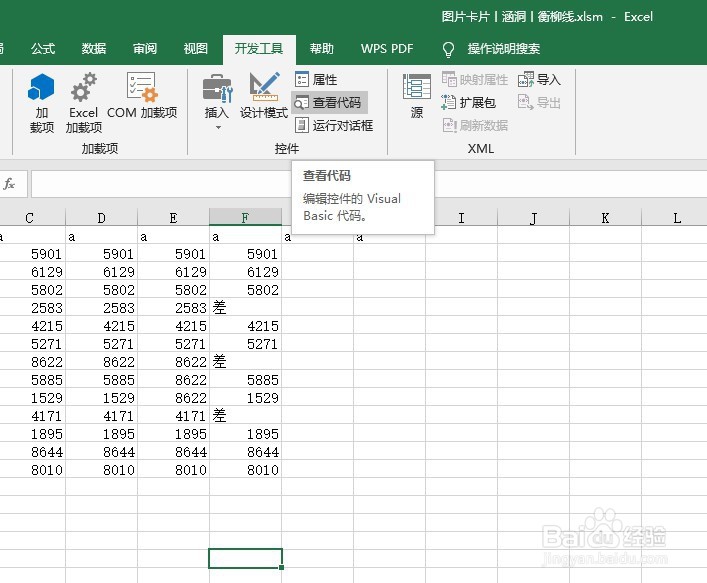
2、在单元格区域当中输入一些内容作为例子
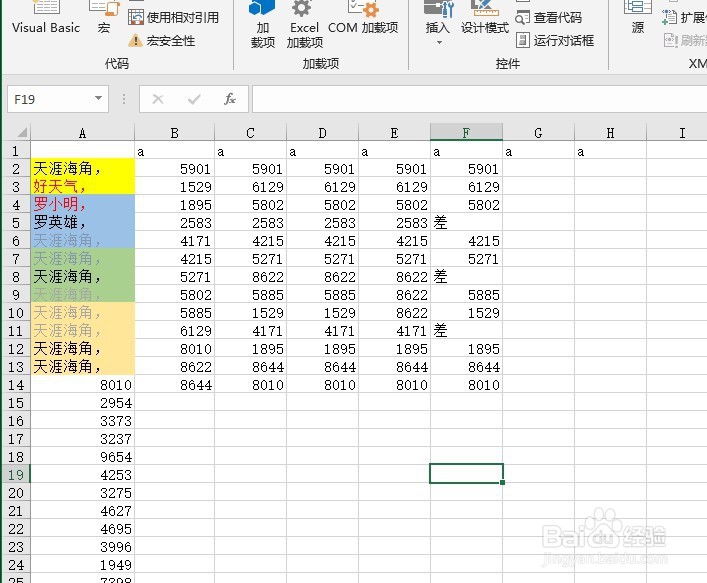
3、在VBA编辑器中插入模块

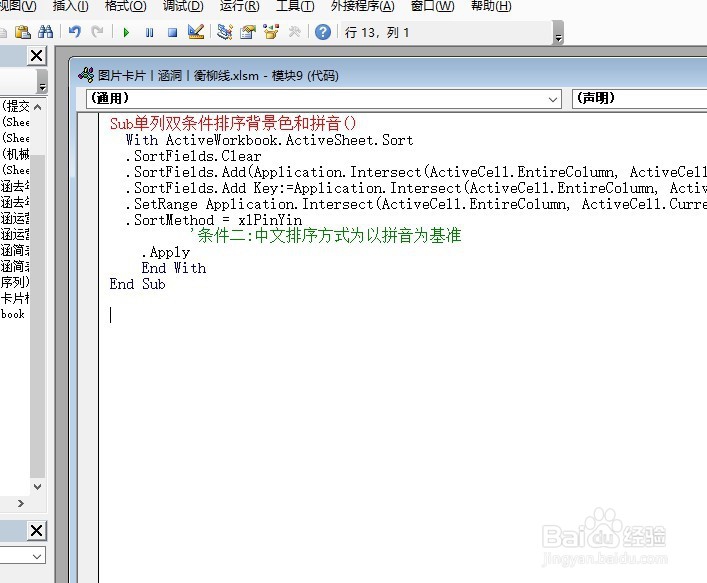
4、在模块当中输入如下代码,然后运行
Sub 单列双条件排序背景色和拼音()
With ActiveWorkbook.ActiveSheet.Sort
.SortFields.Clear
.SortFields.Add(Application.Intersect(ActiveCell.EntireColumn,
ActiveCell.CurrentRegion),xlSortOnCellColor, xlAscending)
.SortOnValue.Color=ActiveCell.Interior.Color '条件一:当前单元格背景色置顶
.SortFields.Add Key:=Application.Intersect(ActiveCell.EntireColumn,
ActiveCell.CurrentRegion),SortOn:=xlSortOnValues, Order:=xlAscending
.SetRange Application.Intersect(ActiveCell.EntireColumn,
ActiveCell.CurrentRegion)
.SortMethod=xlPinYin
'条件二:中文排序方式为以拼音为基准
.Apply
End With
End Sub
5