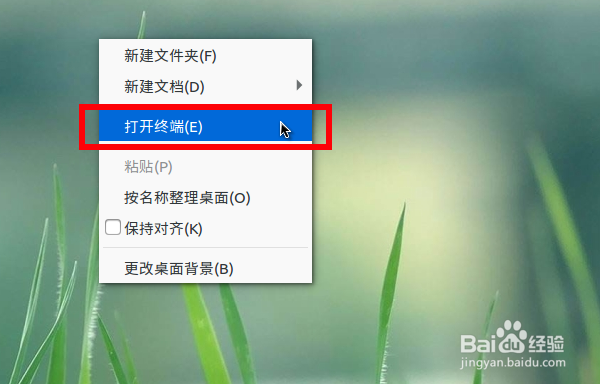
1、在ubuntu桌面上右键“打开终端”。
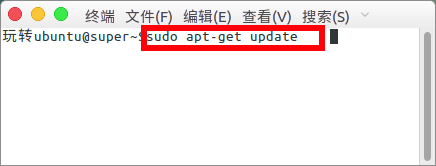
2、update更新资源。
sudo apt-get update
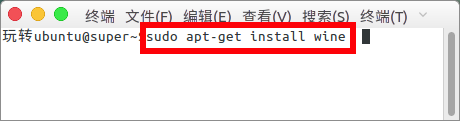
3、安装wine,这个可以使用windows下的应用。
sudo apt-get install wine
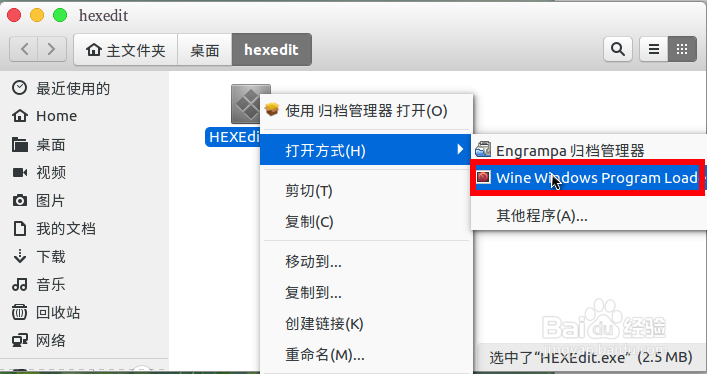
4、然后在我们的hexedit上直接右键“打开方式”--“Wine Windows Program...”。
5、然后就可以打开我们的HexEdit窗口了。
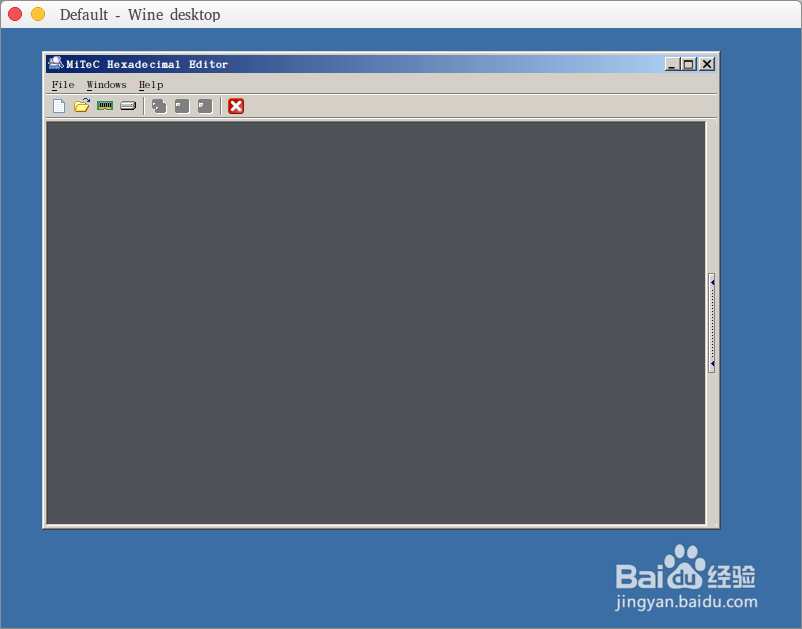
6、现在就可以打开文件进行编辑了。
1、在ubuntu桌面上右键“打开终端”。
2、update更新资源。
sudo apt-get update
3、安装wine,这个可以使用windows下的应用。
sudo apt-get install wine
4、然后在我们的hexedit上直接右键“打开方式”--“Wine Windows Program...”。
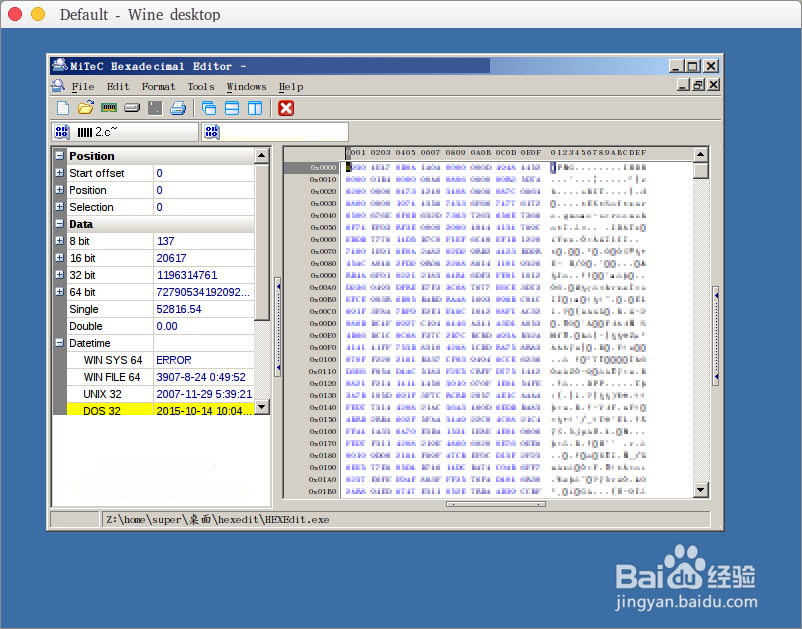
5、然后就可以打开我们的HexEdit窗口了。
6、现在就可以打开文件进行编辑了。