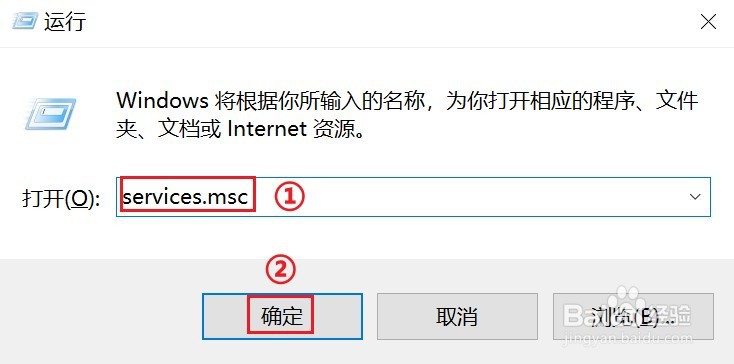
1、按下键盘上【win+r】快捷键

2、在打开的【运行】窗口
①输入【services.msc】
②点击【确定】按钮
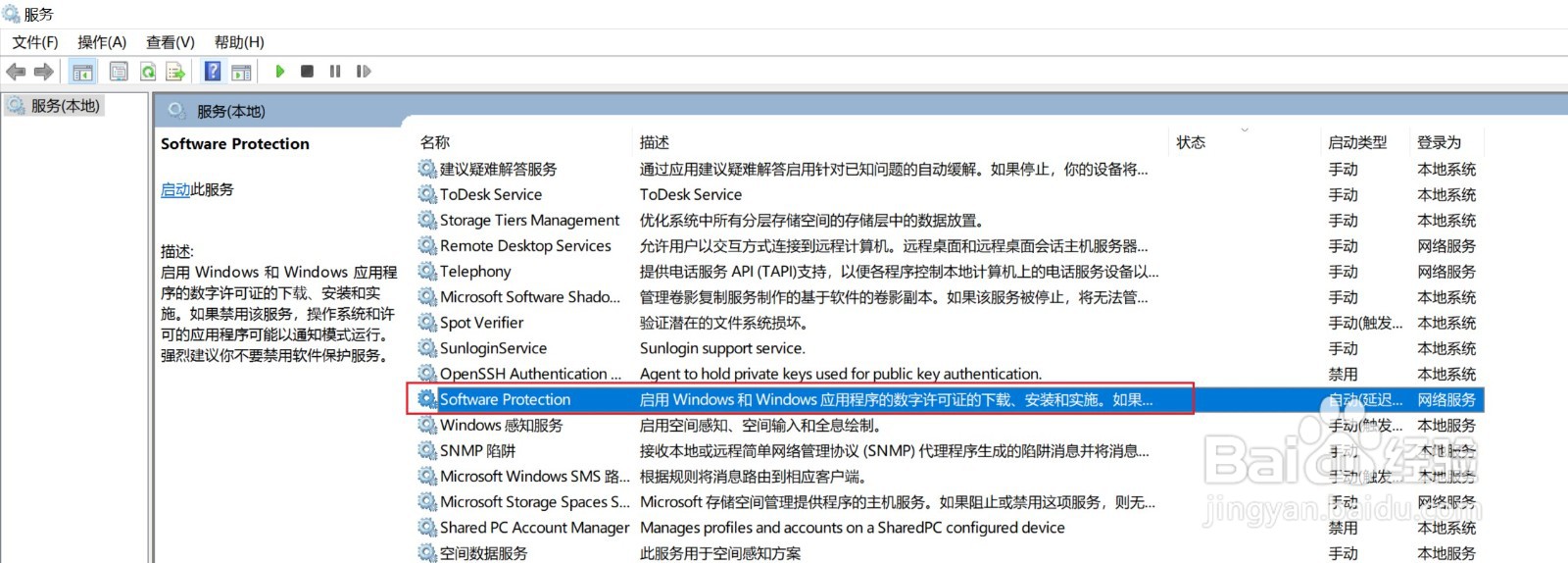
3、在打开【服务】窗口中,找到【Software Protection】,然后【双击】它。
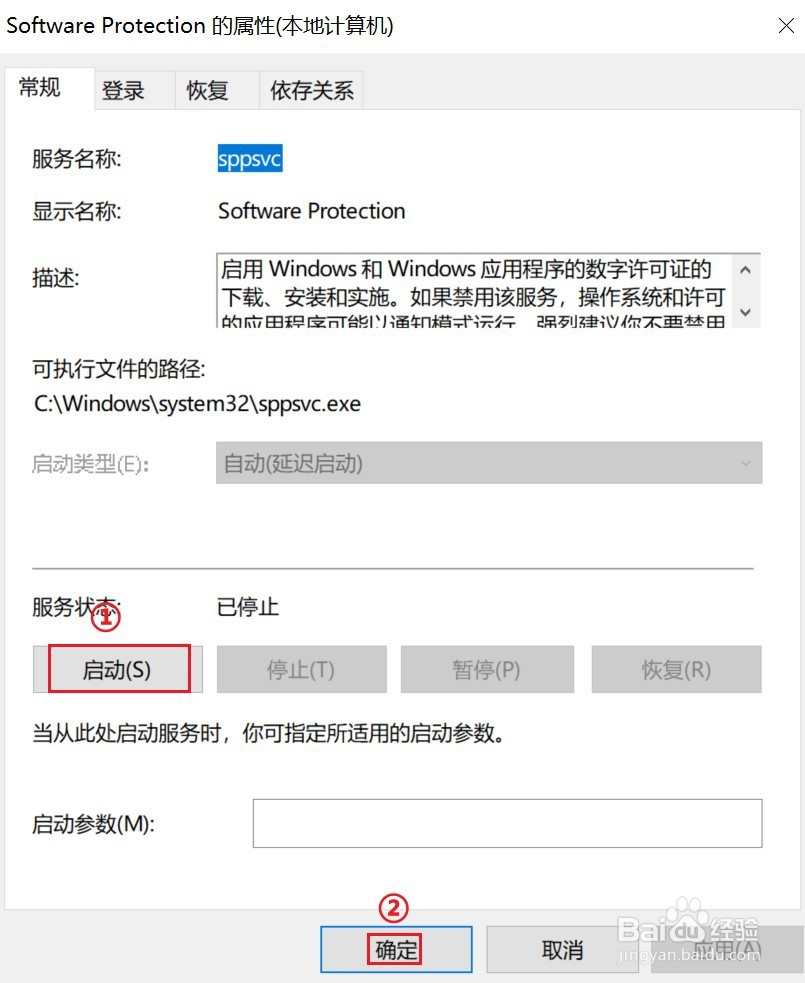
4、在打开【Software Protection属性】窗口中,点击【启动】按钮。
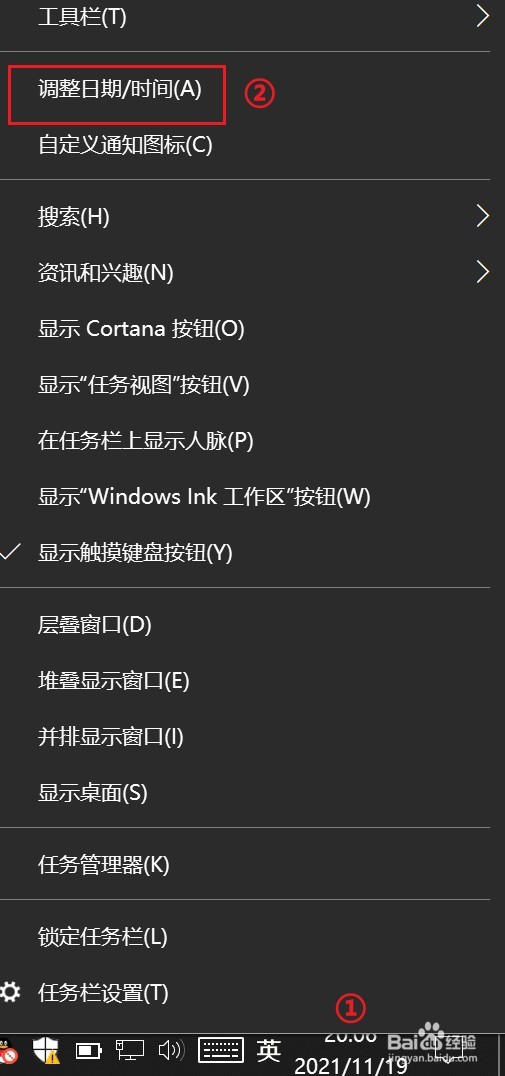
5、①【右键】右下角的时间
②点击【调整日期/时间】
6、更改时区为为下图红色框中的时区,即可。

1、按下键盘上【win+r】快捷键
2、在打开的【运行】窗口
①输入【services.msc】
②点击【确定】按钮
3、在打开【服务】窗口中,找到【Software Protection】,然后【双击】它。
4、在打开【Software Protection属性】窗口中,点击【启动】按钮。
5、①【右键】右下角的时间
②点击【调整日期/时间】
6、更改时区为为下图红色框中的时区,即可。