识季app怎样兑换优惠券口令?

时间:2026-02-14 15:18:16

1、点击我的

进入识季app首页后,点击【我的】。

识季app怎样兑换优惠券口令?

2、点击优惠券

进入我的账户界面,点击【优惠券】。

识季app怎样兑换优惠券口令?

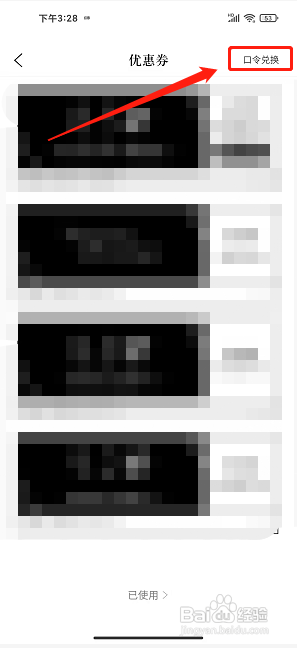
3、点击口令兑换

进入优惠券界面,点击【口令兑换】。

识季app怎样兑换优惠券口令?

4、点击兑换

进入兑优惠券界面,输入口令信息,点击【兑换】。

识季app怎样兑换优惠券口令?

© 2026 智德知识库
信息来自网络 所有数据仅供参考
有疑问请联系站长 site.kefu@gmail.com