1、打开运行
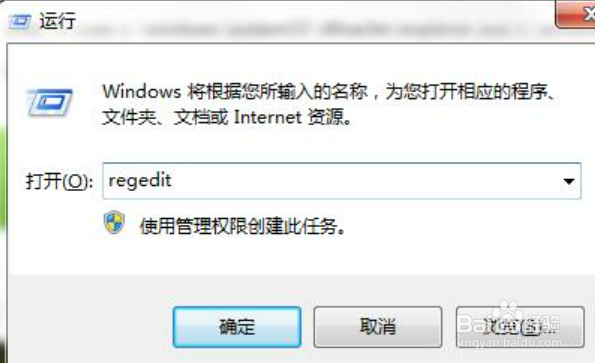
按win+r打开运行窗口,输入regedit。
2、打开地址
在界面中,依次打开:HKEY_LOCAL_MACHINE\SOFTWARE\Microsoft\Windows NT\CurrentVersion\Image File Execution Options\Explorer.exe,然后将Explorer.exe项给删除掉。

3、输入命令
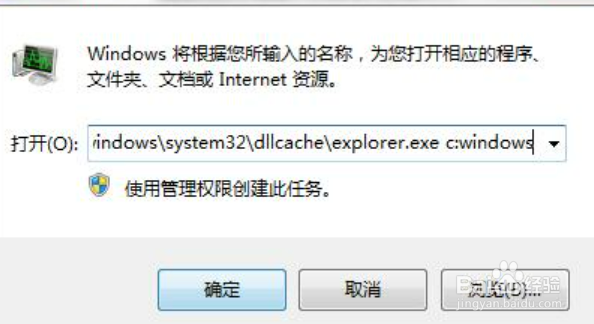
按ctrl+alt+del调出任务管理器,点击新建,输入命令:cmd /k copy c:windows\system32\dllcache\explorer.exe c:windows,点击确定即可。
4、运行explorer
再次运行命令explorer即可。
