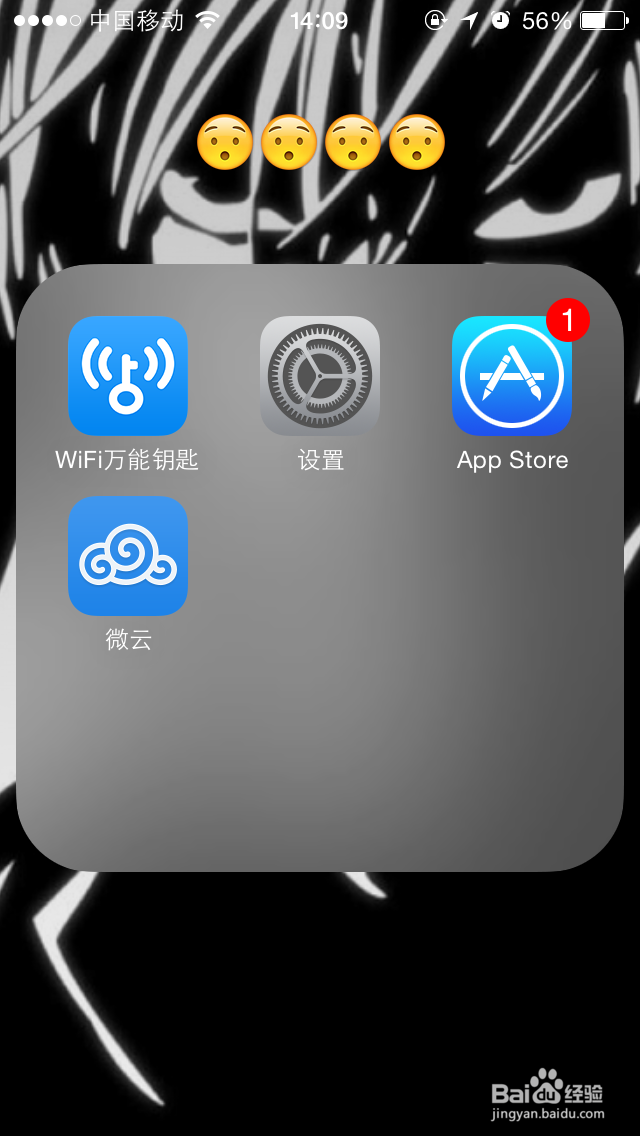
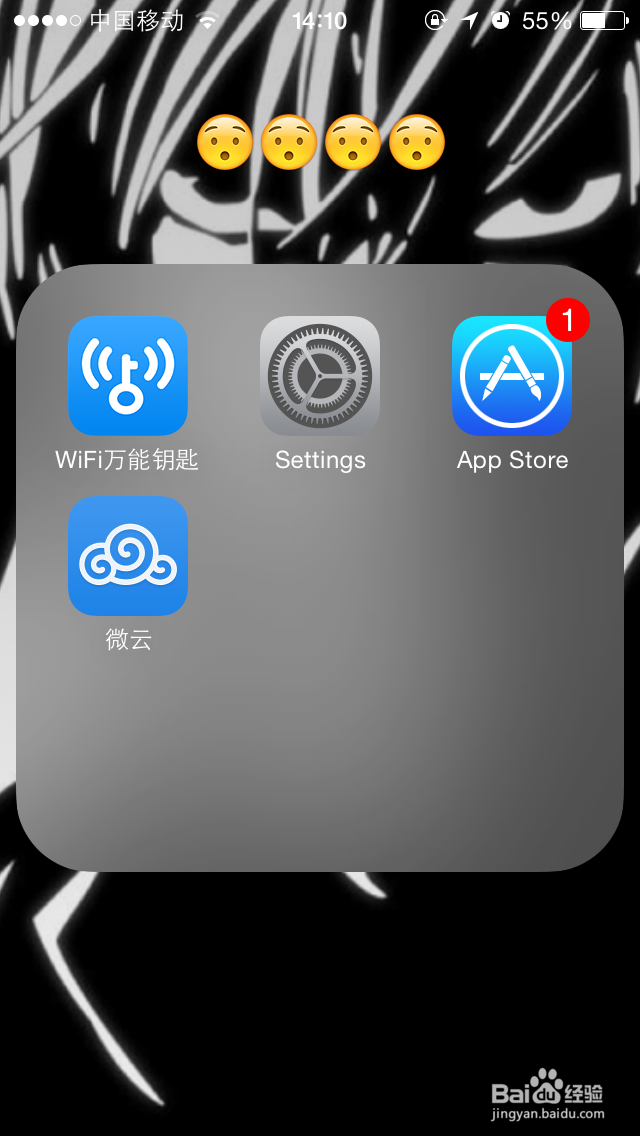
1、开机状态下,打开设置/Settings
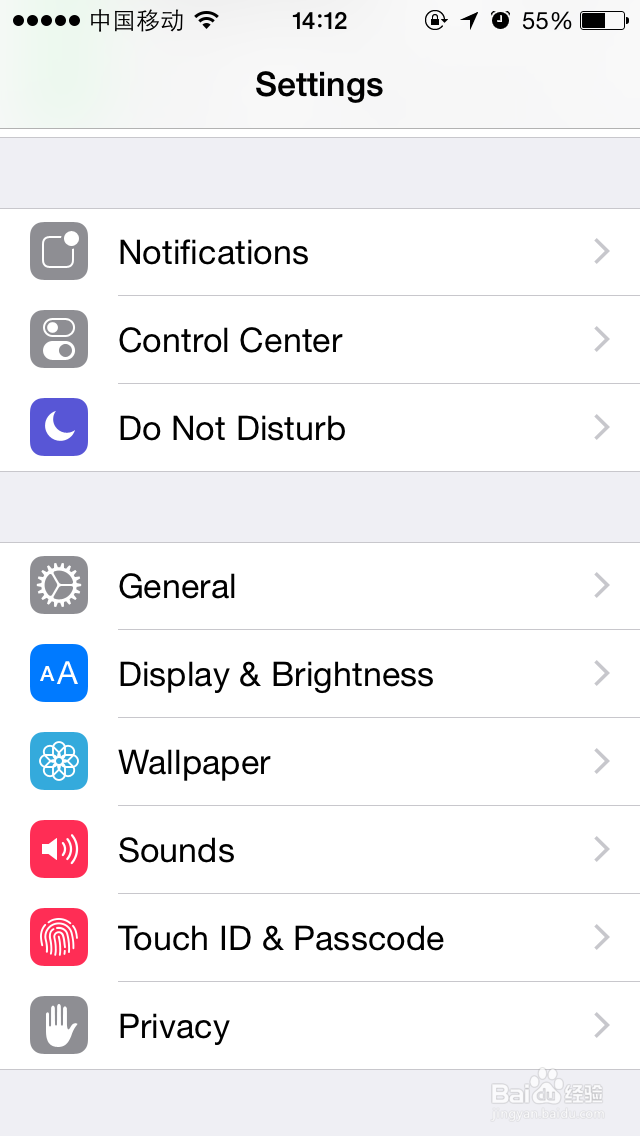
2、找到通用/General,打开

3、找到语言与地区/Language&Region,点击打开


4、选择iPhone语言/iPhone language 点击打开


5、选择语言 简体中文/English 点击右上角的 完成/done

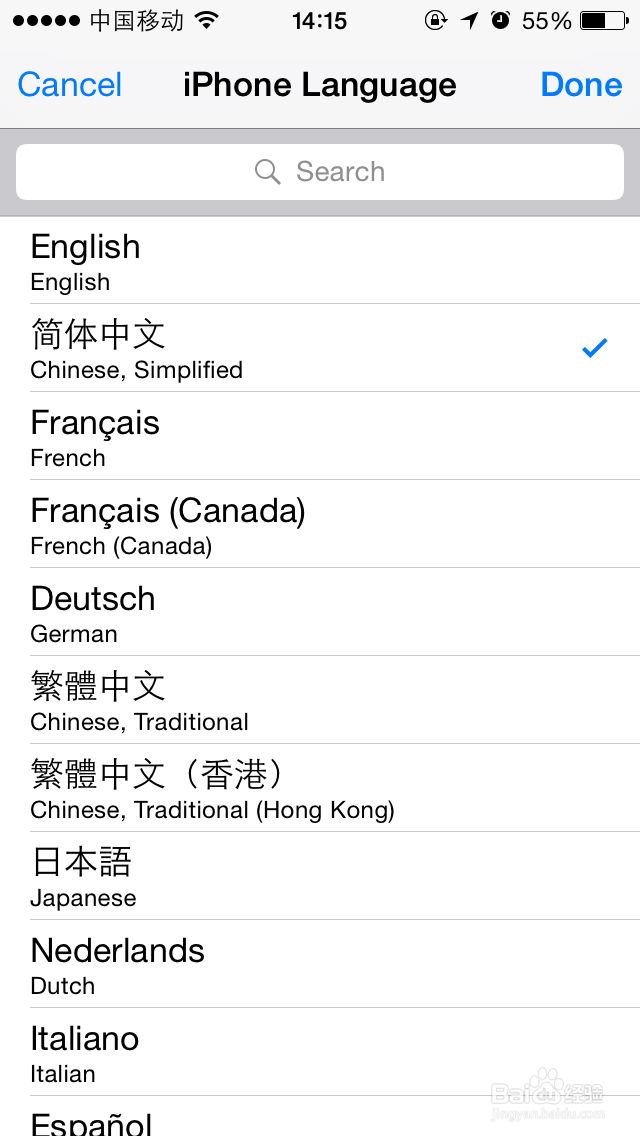
6、点击 更改为英文/Chang to Chinese,Simplified就可以了。


1、开机状态下,打开设置/Settings
2、找到通用/General,打开
3、找到语言与地区/Language&Region,点击打开
4、选择iPhone语言/iPhone language 点击打开
5、选择语言 简体中文/English 点击右上角的 完成/done
6、点击 更改为英文/Chang to Chinese,Simplified就可以了。