Inventor 在装配体中快速选择零件

时间:2026-02-17 03:47:58

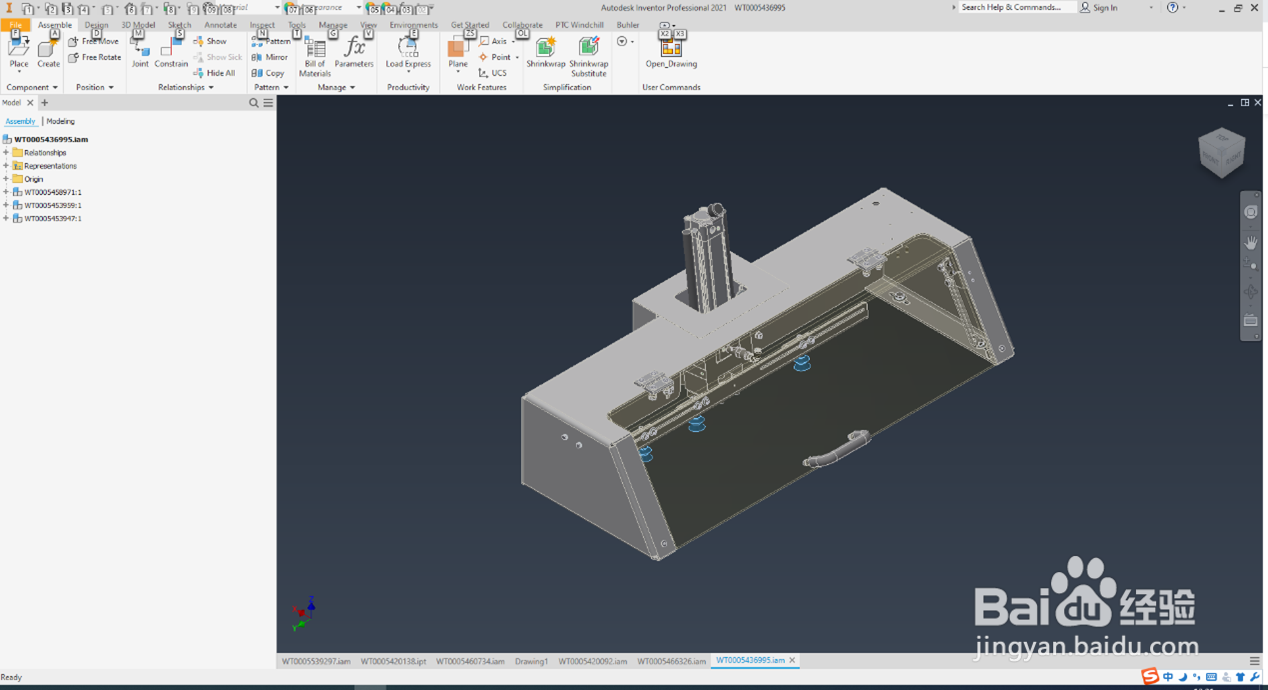
1、用Inventor打开一个装配体

Inventor 在装配体中快速选择零件

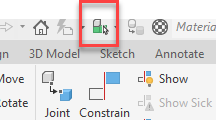
2、在最上方工具里找到对应功能

Inventor 在装配体中快速选择零件

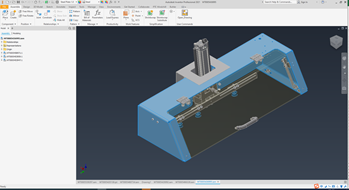
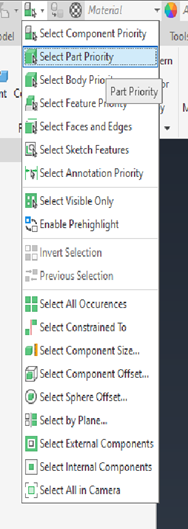
3、点击下拉箭头,选择Select Part Priority,此时就可以对你需要的零件进行操作了

Inventor 在装配体中快速选择零件

Inventor 在装配体中快速选择零件

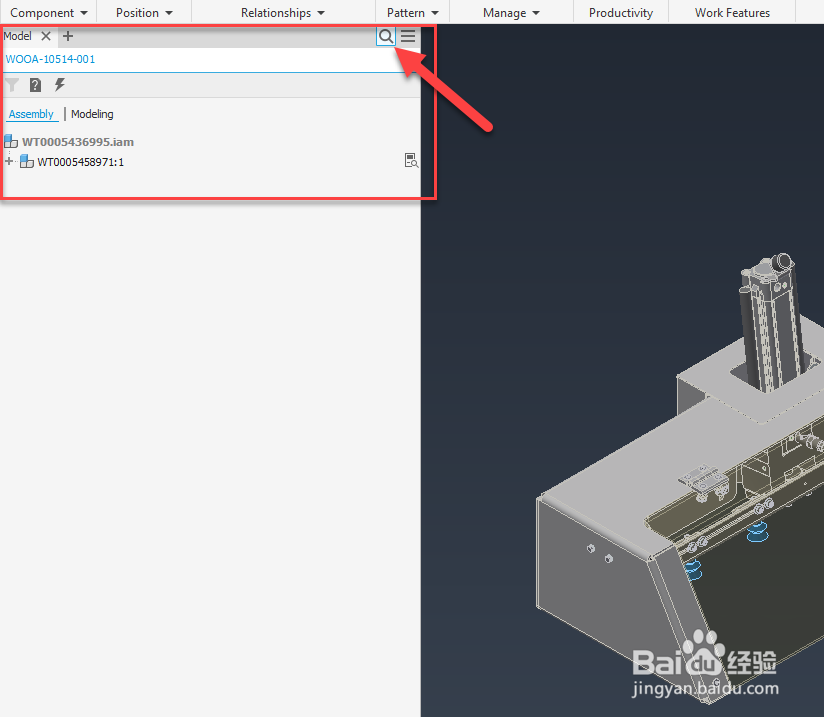
1、如果已知零件图号的话,可以直接通过搜索栏找到对应的零件进行操作

Inventor 在装配体中快速选择零件

© 2026 智德知识库
信息来自网络 所有数据仅供参考
有疑问请联系站长 site.kefu@gmail.com